

BC Poker Login for Secure Account Access in India

Key Takeaways:
- BC Poker login is available through the browser at game.bcpoker.com or through the mobile app;
- Sign in via email, phone number, Telegram, X, MetaMask, or Line – the method must match the one used at registration;
- Email accounts require verification before the first login – check inbox and spam folder;
- 2FA via authenticator app is strongly recommended and adds a second confirmation step at login;
- Live Chat is available 24/7 for account recovery, blocked accounts, and suspected unauthorized access.
BC Poker login India for fast account entry
BC Poker login is available through the browser at game.bcpoker.com or through the mobile app. The steps are the same on both: open the platform, select Login, enter the account credentials, and confirm. After authentication the user is directed to the account dashboard with access to the poker lobby, wallet, promotions, and profile settings. For users who prefer mobile access, the BC Poker app provides the same login process and core platform features, allowing players to join games, manage balances, and access promotions directly from a smartphone or tablet.
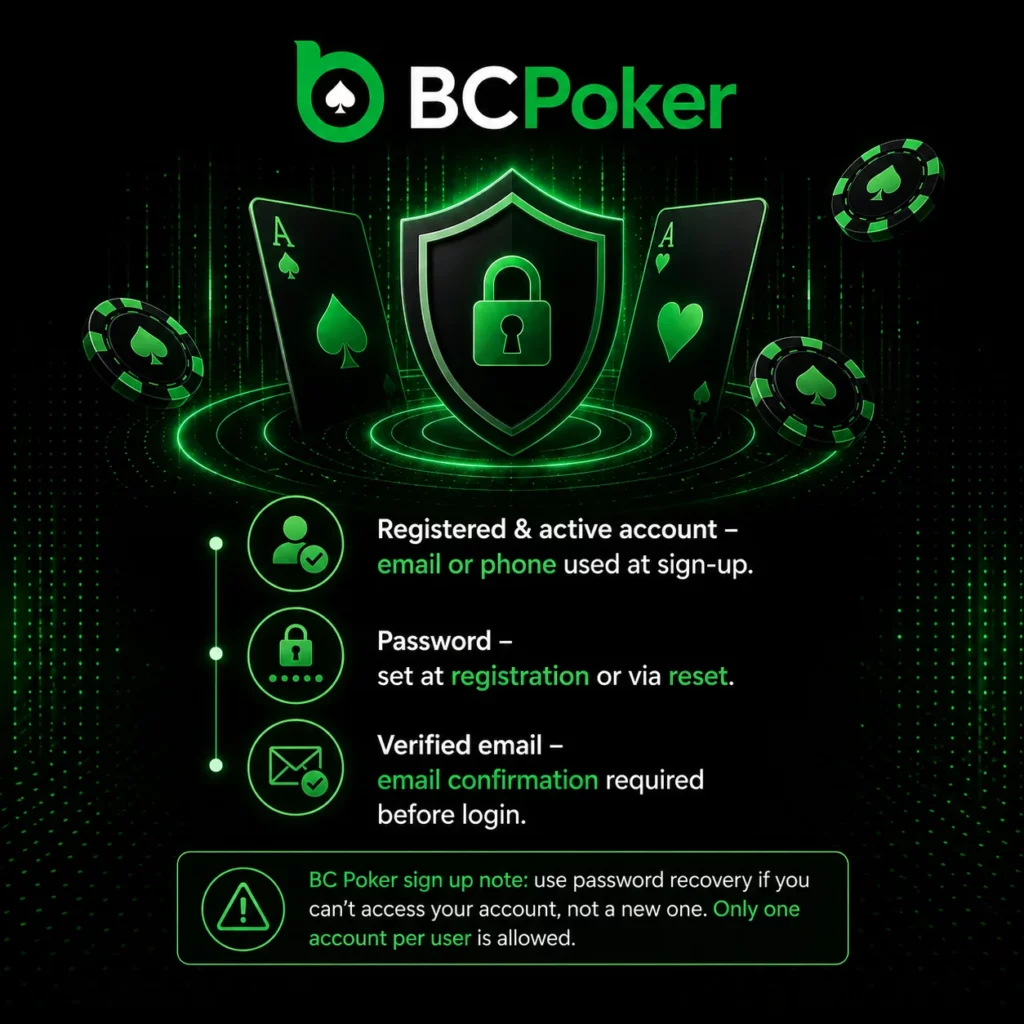
Requirements for a successful login
- A registered and active account – the email or phone used during sign-up;
- The password set at registration or updated through password reset;
- Verified email – accounts created via email require email confirmation before login is available;
- BC Poker sign up note: if access issues arise, the correct action is to use the password recovery option, not to create a second account. Only one account per user is permitted on the platform.
Social login users sign in with the same method used during account creation. Switching between login methods requires the credentials to be linked to the same account.
Email, phone and social sign in methods
BCPoker login supports three categories of credential. The method available to the user depends on which option was used when the account was created or when the social connection was linked:
| Method | Description |
|---|---|
| Email + password | The standard method for accounts created with an email address |
| Phone number + password | Available for accounts created using a mobile number |
| Telegram | Social login via linked Telegram account |
| X (Twitter) | Social login via linked X account |
| MetaMask | Wallet-based login via linked MetaMask address |
| Line | Social login via linked Line account |
The selected login method must correspond to what was used during registration. Attempting to log in with a different method than the one linked to the account will not grant access. If the original login method is no longer available, contact Customer Support.
Password reset and verified email access
If a BC Poker login attempt fails due to an incorrect password, the first step is to check whether email verification was completed during registration.
Troubleshooting steps
- Check the inbox of the email address used at registration for a verification email from BCPoker;
- If no verification email is found, check the spam or junk folder;
- If the email is verified and the password is still not working, click Forgot Password on the login screen;
- A password reset email will be sent to the registered inbox;
- Follow the instructions in the reset email to set a new password;
- If the reset email does not arrive, check spam again and confirm the email address entered is the one linked to the account.
If the email address or username associated with the account has been forgotten, Customer Support can help identify the account after identity verification. Live Chat is available 24/7 at game.bcpoker.com, and support can also be reached at support@bcpoker.com or via Telegram at t.me/bcpokerofficial.
Login safety and account recovery in India
BCPoker login security is built on high-level encryption for the login process, mandatory password policies, and continuous AI-driven monitoring. The following protection measures apply to all accounts:
Account protection measures
- 2FA (Two-Factor Authentication) – available via authenticator app and strongly recommended for all accounts. Adds a second confirmation step at each login;
- Login monitoring – the system tracks login patterns and flags unusual access from unrecognized devices or locations;
- BC Poker sign up and account protection – manual verification protocols are applied as a final layer against unauthorized access.
If unauthorized access is suspected:
- Contact Customer Support immediately via Live Chat to request an account freeze;
- The risk management team will investigate and may require identity verification before restoring access;
- Credentials should be updated after the investigation is resolved.
If the account has been blocked, the restriction may be related to risk control, compliance requirements, or suspicious activity detection. Contact support to request a manual review and, if required, provide verification documents to restore account status.
BC Poker’s Trust framework covers the broader integrity of the platform: Proof of Reserves with 1:1 user asset coverage, KECCAK-256 decentralized RNG, and Anjouan Gaming Licence No. ALSI-202410011-FI1. These apply to the platform as a whole, and account-level security operates within the same framework.
FAQ
How do I log in to BC Poker in India?
Open game.bcpoker.com in a browser or launch the mobile app. Tap BC Poker login, enter your email or phone and password, and confirm. Social login options (Telegram, X, MetaMask, Line) are also available if they were linked at registration.
What login methods are available on BC Poker?
Email + password, phone number + password, or social login via Telegram, X, MetaMask, or Line. The method used must match what was set up when the account was created.
Why is my password not working after I just registered?
Email accounts require email verification before the first login. Check your inbox and spam folder for a verification email from BCPoker. If the email is verified and the password still fails, use the Forgot Password option on the login screen.
What should I do if I think my account has been accessed without my permission?
Contact Customer Support immediately via Live Chat to freeze the account. The risk management team will investigate, and additional identity verification may be required before access is restored.
My account has been blocked. How do I restore access?
Account blocks can result from risk control, compliance checks, or suspicious activity detection. Contact support through Live Chat or at support@bcpoker.com. A manual review may require verification documents to confirm account ownership.